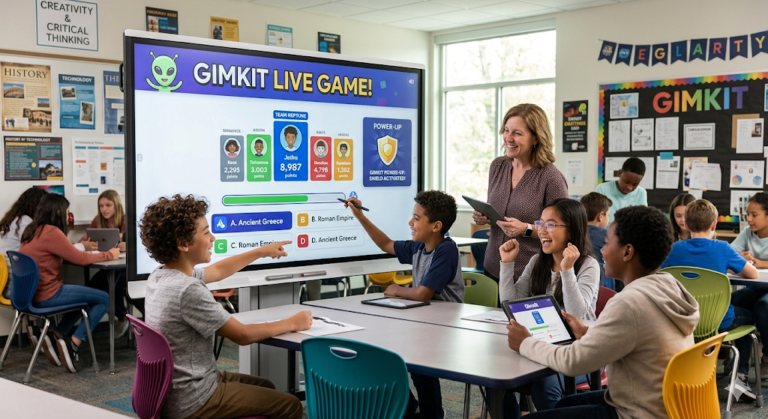

Gimkit: The Ultimate 2026 Guide to Gamified Classroom Learning
Hey there! If you are a teacher looking to spice up your lessons or a student who is tired of boring old quizzes, you have come to the right place. Today, we are diving deep into the world of Gimkit Live. Imagine if a video game and a school quiz had a baby—that is exactly what this platform feels like. It is not just about answering questions; it is about strategy, earning “money,” and using power-ups to win.
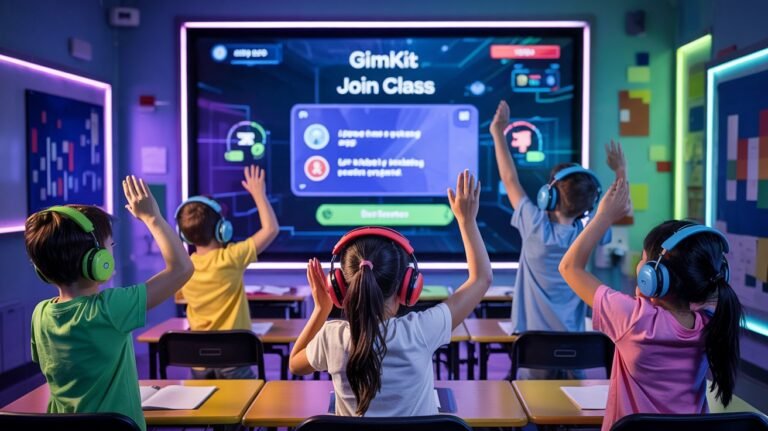
I remember the first time I saw a classroom using Gimkit Live. The energy was electric! Instead of groans when the teacher mentioned a “review session,” students were literally leaning forward in their seats, ready to compete. It is a tool created by students, for students, which is why it feels so much more natural than most educational software. In this guide, we will explore everything from how to get started to the secret tips that make the game unforgettable.
Quick Look: Gimkit Biography & Facts
| Feature | Details |
| Full Name | Gimkit |
| Primary Mode | Gimkit Live |
| Founder | Josh Feinsilber |
| Co-Founder | Jeff Osborn |
| Launch Date | October 2017 |
| Headquarters | Seattle, Washington, USA |
| Key Features | Virtual currency, Power-ups, KitCollab |
| Device Support | PC, Mac, Tablets, and Smartphones |
| Best For | K-12 Students & Teachers |
What is Gimkit Live Exactly?
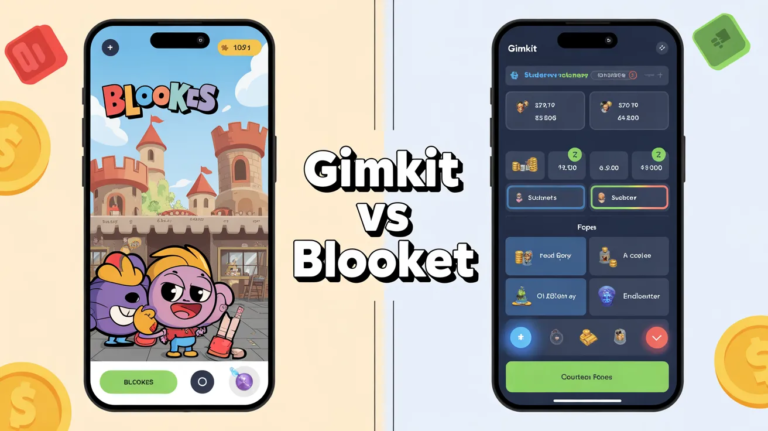
At its heart, Gimkit Live is a digital quiz platform, but it works differently than Kahoot or Quizizz. When you play a game of Gimkit Live, you don’t just get points for being fast. Instead, you earn virtual currency for every correct answer. You can then take that “money” to the in-game shop to buy upgrades. These upgrades might let you earn more money per question or protect you if you get one wrong.
The coolest part? Gimkit Live was actually started as a high school project by Josh Feinsilber. Because a student built it, the game mechanics feel very modern. It understands that kids love to “level up.” Teachers love it because it keeps students engaged with the material for much longer than a standard worksheet ever could. It’s a win-win for everyone in the room!
How to Get Started with Your First Kit
Starting your journey with Gimkit Live is as easy as pie. First, a teacher creates an account and makes a “Kit.” A Kit is basically just a set of questions about any topic—math, history, or even pop culture. You can write your own questions or import them from other places like Quizlet. This makes the setup process incredibly fast for busy educators.
Once the Kit is ready, the teacher hits the “Play” button. This generates a unique join code. Students just go to the website, type in the code, and they are in! In Gimkit Live, the teacher can choose from many different game modes. Some modes are competitive, while others require the whole class to work together to reach a goal. This variety keeps the game feeling fresh every single time you play.
The Magic of the In-Game Shop
What really sets Gimkit Live apart from other tools is the shop. As students answer questions correctly, they see their bank account grow. They can spend this cash on “Power-ups.” For example, the “Mega Bonus” might multiply their earnings for a short time. Or, they might buy “Insurance” so they don’t lose too much money if they make a mistake.
This adds a layer of strategy to Gimkit Live. Some students prefer to save their money for big upgrades, while others spend it quickly to get ahead early. It teaches basic resource management while they are busy learning their science terms! I’ve seen students who usually struggle with focus stay completely locked in because they want to buy that next big upgrade in the game.
Exploring Different Game Modes
One reason people never get bored with Gimkit Live is the constant rotation of game modes. You aren’t just looking at questions on a screen. In “The Floor is Lava,” the whole class has to answer questions to keep the lava from rising. If everyone works together, the class wins. It builds a great sense of community and teamwork among the students.
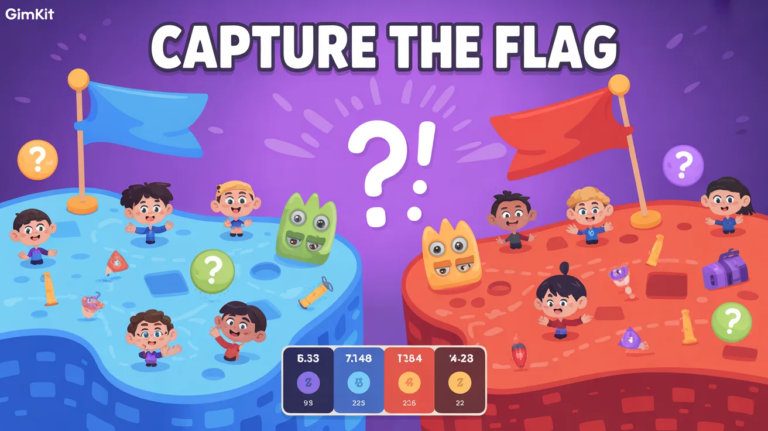
Other popular modes in Gimkit Live include “Trust No One,” which is inspired by social deduction games like Among Us. There are also seasonal modes that pop up during holidays. This constant innovation is why Gimkit Live has remained a favorite in schools for years. It’s not just a quiz; it’s an evolving playground for the mind that changes with the seasons.
Why Teachers Love the Data
While the kids are having the time of their lives, Gimkit Live is secretly doing a lot of work for the teacher. After every game, the platform provides a detailed report. This report shows which questions the class found easy and which ones were tricky. It helps teachers know exactly what they need to explain again the next day.
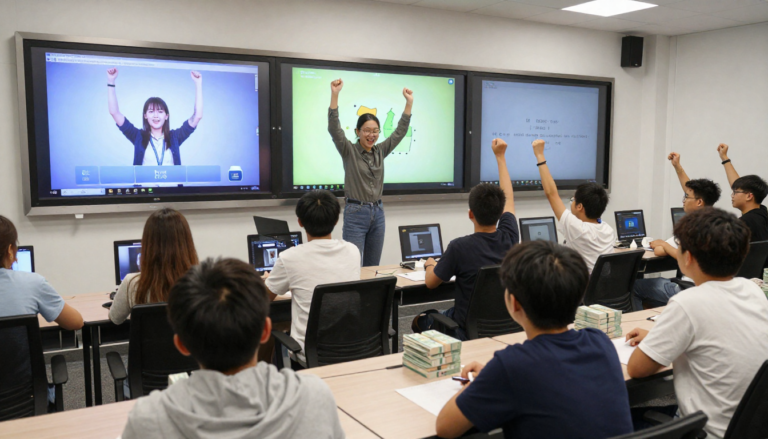
This makes Gimkit Live a powerful “formative assessment” tool. Instead of waiting for a big Friday test to see if kids understand the lesson, a teacher can play a 10-minute game on Tuesday and see the results instantly. It saves time and helps prevent students from falling behind. Plus, the students don’t even realize they are being “tested”—they just think they are playing.
Using KitCollab for Student Voice
One of the most unique features of Gimkit Live is something called KitCollab. In this mode, the students actually help build the game. Before the game starts, every student submits a question and the correct answer. The teacher quickly reviews them, and then the class plays a game using the questions they just created themselves.
This is a brilliant way to give students “ownership” over their learning. When a student sees their own question pop up in Gimkit Live, they feel a sense of pride. It also encourages them to think more deeply about the subject matter. They have to understand the topic well enough to write a fair question about it, which is a great learning exercise in itself.
Strategy Tips for Students
If you want to dominate in Gimkit Live, you need more than just smarts; you need a plan. My top tip is to invest in “Earnings Per Question” early in the game. It might seem expensive at first, but it pays off quickly. Think of it like planting a seed—the sooner you plant it, the more fruit you will get by the end of the session.
Another strategy in Gimkit Live is to watch your “Streak Bonus.” If you get several questions right in a row, your earnings skyrocket. Don’t rush and make silly mistakes! Sometimes taking an extra second to be sure of your answer will earn you way more money than guessing fast. Slow and steady really can win the race when there are big bonuses on the line.
Keeping the Classroom Balanced
Sometimes competition can get a little too intense. The creators of Gimkit Live thought of this, too. Teachers have the power to “clap” for students or even pause the game if things get too loud. There are also modes where the “rich” players can be “drained” to help those who are struggling. This keeps the game fair and fun for everyone.
It is important to remember that Gimkit Live is a tool for learning first. I always suggest that teachers talk about sportsmanship before the game starts. Remind everyone that while winning is fun, the real goal is to get better at the subject. Using the team-based modes is a great way to lower the pressure and keep the vibes positive and supportive.
Accessible on Every Device
You don’t need a fancy gaming PC to enjoy Gimkit Live. It works perfectly on Chromebooks, iPads, and even older smartphones. As long as you have a web browser and an internet connection, you are good to go. This “low barrier to entry” is a big reason why it is so popular in schools with different types of technology.
Because it is web-based, there is nothing for students to download. They just go to the Gimkit Live join page, and they are ready. This saves a lot of time at the start of class. No one has to wait for an update or deal with a glitchy app. It just works, which is exactly what a busy teacher needs during a 45-minute lesson.
The Future of Gamified Learning
As we move through 2026, the world of education is changing fast. Tools like Gimkit Live are leading the way by making school feel more like the digital world students live in every day. It’s not just a trend; it’s a better way to keep kids excited about coming to class. Learning doesn’t have to be a chore!
In the future, we can expect even more interactive features from the Gimkit Live team. They are always listening to feedback from teachers and students to make the platform better. Whether it’s new 2D worlds to explore or more complex strategy mechanics, the goal remains the same: to make learning something that students actually look forward to doing.
Conclusion: Ready to Play?
In conclusion, Gimkit Live is much more than just a quiz app. It is a vibrant, engaging, and strategic experience that brings life to any classroom. By mixing the fun of video games with real educational goals, it helps students master tough subjects while having a blast. If you haven’t tried it yet, there has never been a better time to jump in and see what the hype is all about.
So, what are you waiting for? Whether you are a teacher ready to engage your class or a student looking for a fun way to study, give Gimkit Live a shot. You might be surprised at how much you can learn when you are having this much fun. Let’s get those Kits ready and start earning some virtual cash!
Frequently Asked Questions (FAQs)
1. Is Gimkit Live free to use?
Yes! There is a free version called “Gimkit Basic” that lets you use all the core features. However, there are some limits on how many students can join a live game. For unlimited access and extra modes, there is a paid version called “Gimkit Pro.”
2. How do students join a game of Gimkit Live?
Students don’t even need an account to join! They just go to the Gimkit website and enter the 5 or 6-digit code provided by their teacher. They can then pick a nickname and start playing immediately.
3. Can I use Gimkit Live for homework?
Absolutely! Teachers can assign “Kits” as homework. Instead of a live race, students work at their own pace to reach a specific cash goal. It’s a much more fun way to do practice problems than a traditional worksheet.
4. What age group is best for Gimkit Live?
While it is popular in high schools (since a high schooler built it!), it is simple enough for elementary students too. Most kids from 3rd grade all the way up to college find it very engaging and easy to understand.
5. How many game modes are there in Gimkit Live?
There are usually several modes available at once, but they rotate! Some are permanent favorites like “Classic” and “Team Mode,” while others like “Snowman Survival” or “Fishtopia” might come and go depending on the season.
6. Can students create their own Gimkit Live games?
Yes, students can create their own accounts and make Kits to study with their friends. It’s a great way to turn a study group into a fun competition!